Pixel Color by Number Activities That Make Learning More Engaging
- Pixel Color by Number Activities That Make Learning More Engaging
- Key Takeaways
- What Is Pixel Color by Number?
- Why Kids Love Pixel Coloring
- Improving Focus and Attention
- Supporting Fine Motor Development
- Building Number Recognition Skills
- Encouraging Logical Thinking
- Printable Pixel Activities for Different Ages
- Digital vs Printable Pixel Coloring
- Tips for Classroom and Homeschool Use
Pixel color by number activities make practice feel like revealing a secret picture. You solve each math problem, choose the matching color, and watch new squares appear. Correct answers give you instant feedback, while mistakes let you try again calmly. Tiny pixels can build focus, number recognition, and careful mouse or pencil control. You can use printable pages or digital versions at home or school. Keep going to find ways to make every activity more exciting.
Key Takeaways
- Pixel color-by-number activities turn math practice into a game by revealing a hidden picture after correct answers.
- Immediate visual feedback encourages students to check work, correct mistakes, and keep trying without pressure.
- Mystery-image rewards help students sustain focus and work carefully rather than rushing through problems.
- Digital and printable formats support independent centers, technology stations, early-finisher tasks, and low-stress review.
- Coloring small pixels strengthens number recognition, fine motor control, mouse skills, and patience.
What Is Pixel Color by Number?
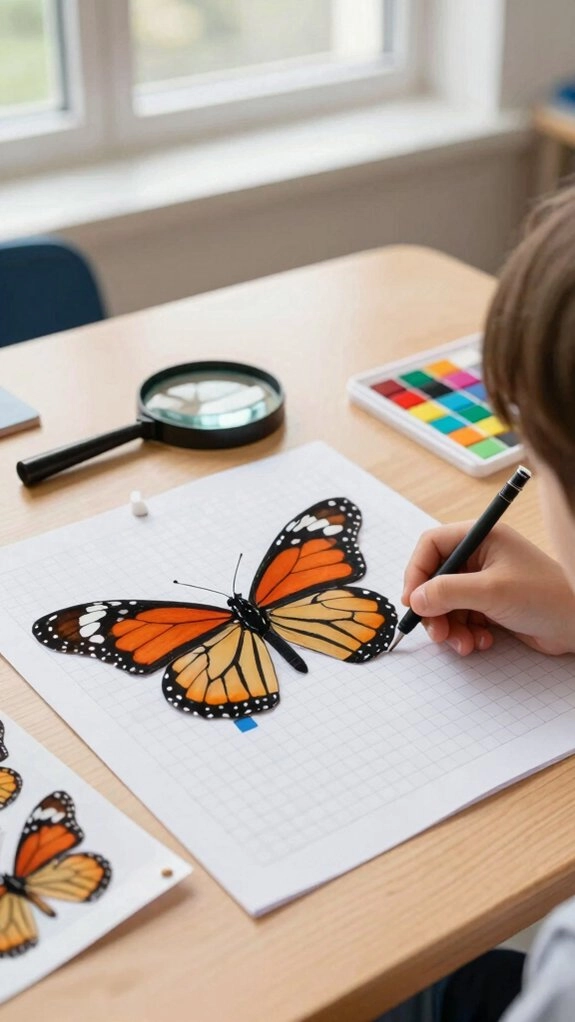
Pixel color by number is a digital mystery picture activity that makes math practice feel like a game. You solve math problems online, then choose the color that matches each answer. When you’re correct, the matching pixels change and reveal part of a hidden image. If an answer isn’t right, those pixels stay the same, so you keep thinking instead of guessing.
You might use it in Google Sheets or another class platform. In centers, you can practice at your own pace. Each solved problem helps picture grow.
This shared challenge builds Classroom participation and helps everyone feel included.
Why Kids Love Pixel Coloring
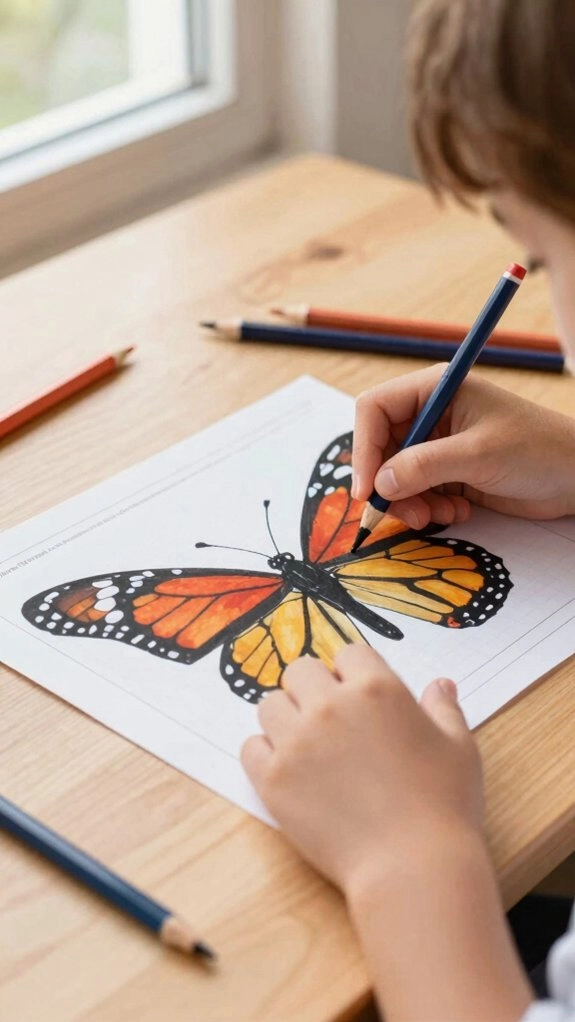
Kids love pixel coloring because each right answer opens a piece of a secret picture. You get the fun feeling of a video game while you practice skills with your class. When you solve a problem correctly, the pixel changes color. If it doesn’t, you can try again without worry. That Game like motivation makes every new square feel like a shared win.
- You can work independently at a center or technology station.
- You get low pressure practice after challenging lessons.
- You join classmates who enjoy revealing mysteries too.
Pixel coloring makes review feel welcoming, not like a worksheet.
Improving Focus and Attention
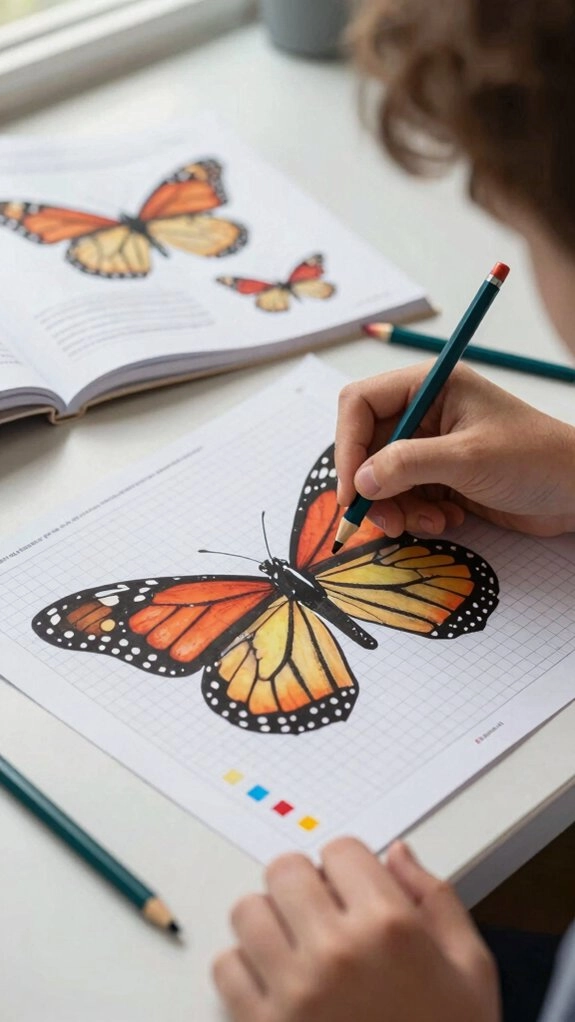
Often, you focus longer when each answer opens a new colored square. You solve, check, and color with care, so rushing fades. Tell yourself, “It’s not a race,” and you’ll notice more correct details. Digital puzzles reveal pictures only after correct answers, helping you catch mistakes. The calm coloring feeling can support Using pixel art for self regulation and reducing test anxiety. You belong in guided focus sessions, whether at a center or technology station. Build attention friendly routines that carry you through class.
| Focus | Cue | Result |
|---|---|---|
| Solve | Carefully | Steady |
| Color | Slowly | Accurate |
| Pause | Check | Correct |
| Persist | Together | Engaged |
Supporting Fine Motor Development
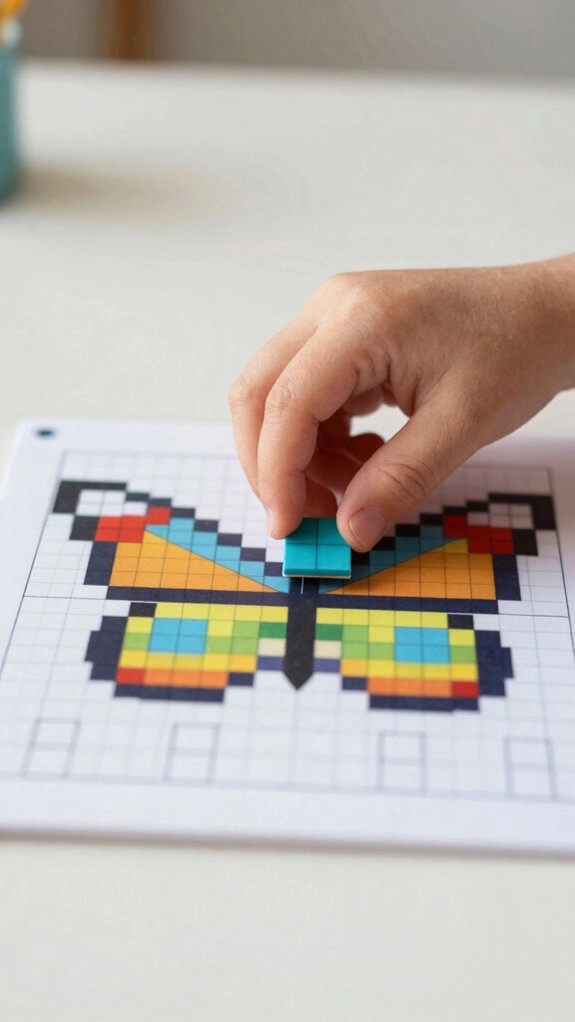
That steady focus also helps your hands grow stronger and more controlled.
When you color tiny pixels carefully, you practice firm grips, neat movements, and patience.
You’re part of a class community that grows through practice.
- Choose colored pencils or markers for sensory participation.
- Use digital tools to build accurate mouse or touch control.
- Follow Classroom routines: finish your own page, then color.
These motivational strategies make each movement feel worthwhile.
As you slow down after solving, rushed scribbles fade away.
This skill progression helps you stay within lines and make precise choices.
Your hands learn alongside your classmates.
Building Number Recognition Skills
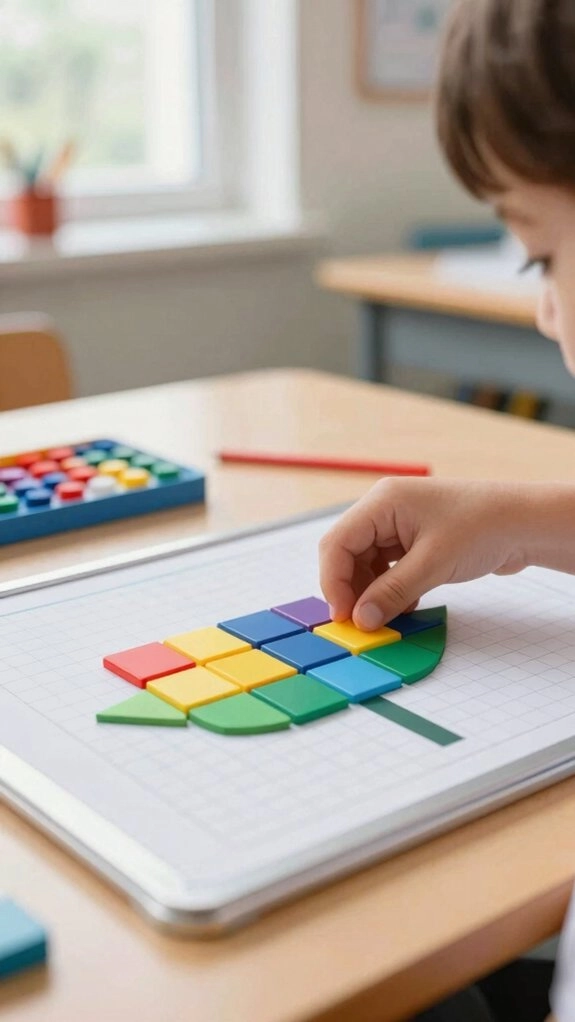
As each correct answer unseals a pixel, you see numbers turn into a picture. You’ll choose the right number before its matching color appears. That gives you a clear chance to spot each digit and check your work.
As more pixels appear, familiar numerals and patterns return again. You’re not practicing alone; every finished image shows what your class can build together.
Try Number pattern games during a math center rotation or at a guided tech station. Auto-checking helps you notice mistakes right away, then try again.
Short pixel reviews keep important numbers fresh all year long for you.
Encouraging Logical Thinking

Each puzzle asks you to think carefully before you choose a color. You solve the math first, so each answer guides your next move. That makes Logical problem solving feel like a shared uncovering, not a guessing game.
- Check your answer before coloring each square.
- Follow the if-then rule: correct work reveals pixels.
- Use immediate feedback to spot mistakes and try again.
When a choice is wrong, part of the image stays hidden. You can review place value, rounding, or multiplication and apply the same careful steps. In centers or guided tech stations, you build accuracy in our learning community.
Printable Pixel Activities for Different Ages
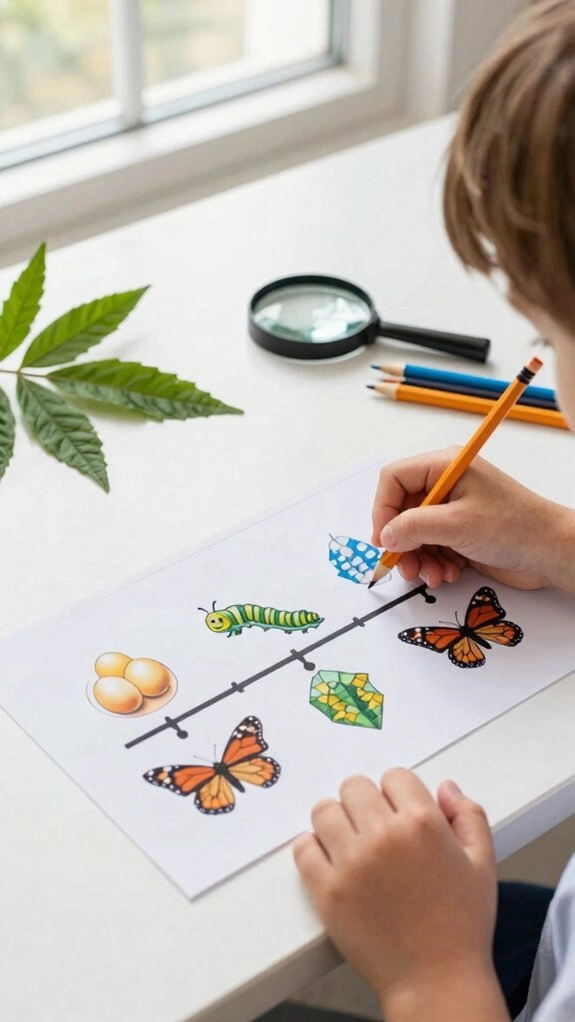
Printable pixel activities let you use those careful thinking skills at any age. You can choose Age appropriate difficulty that helps you feel confident and included.
Younger students might practice telling time or place value, while older learners tackle rounding, multiplication, or reading comprehension mystery pictures.
You solve each task first, then color matching pixels to uncover the image.
These pages give you quick completion goals or a full class period of focused work. During centers, everyone can join the challenge at a comfortable pace.
The relaxing format makes review feel like a game, not a race to finish.
Digital vs Printable Pixel Coloring
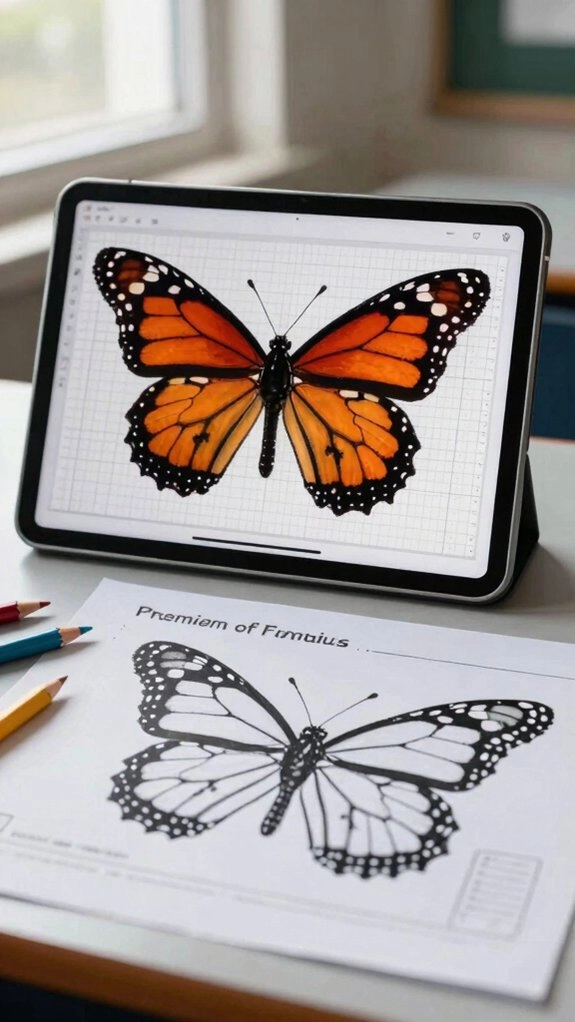
You can choose digital or printable pixel coloring based on how you like to learn. Printable pages are ready to use, so you can work without electronics and stay focused on one sheet.
- Choose printables for quiet, shared table time.
- Try digital puzzles for Student feedback instantly after each answer.
- Use a Classroom tech rotation for game-like center practice.
In digital activities, correct answers color pixels, while mistakes leave them unchanged. That helps you spot what to review.
You might type answers in Google Sheets or Classroom before the mystery image appears. Both choices help you feel included too.
Tips for Classroom and Homeschool Use
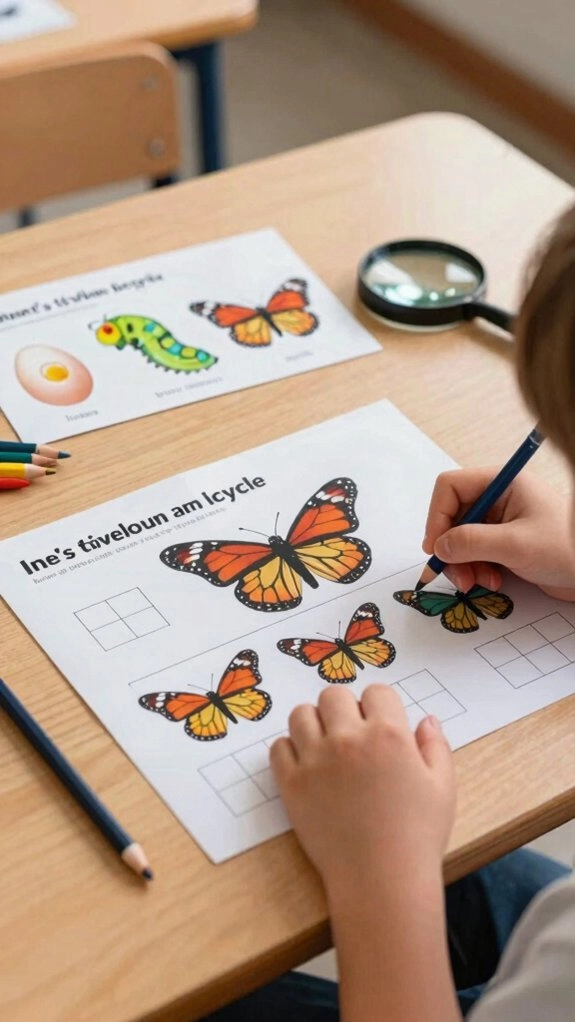
Whether you choose a screen or a worksheet, pixel coloring can fit smoothly into learning time. Use it during Classroom math centers or guided tech stations. You can solve problems and reveal the picture without making it a race.
Print-and-go pages help your whole group learn, even with a substitute. Try partner verification routines: partners check answers first, then take turns coloring.
Online files auto-color correct pixels, so you spot mistakes quickly.
At home, add digital mystery art to short days or tech time. You’ll keep spiral review fresh and help every learner feel included in the fun.